Open Options → Gameplay → Quick Sign Casting and choose Quick. On the default keyboard layout, 3–7 cast Signs directly. On controller, hold R2/RT and use the button for the desired Sign. Standard casting instead selects a Sign first, then uses the normal cast action.
Enable and test one Sign
- Open the Gameplay options and change Standard Casting to Quick Casting. This is a gameplay option, not a graphics preset or a mod.
- Return to a safe, open area with enough stamina. Test Quen before trying a combination in combat.
- If you prefer the radial selection method, restore Standard. Neither mode requires changing your character build.
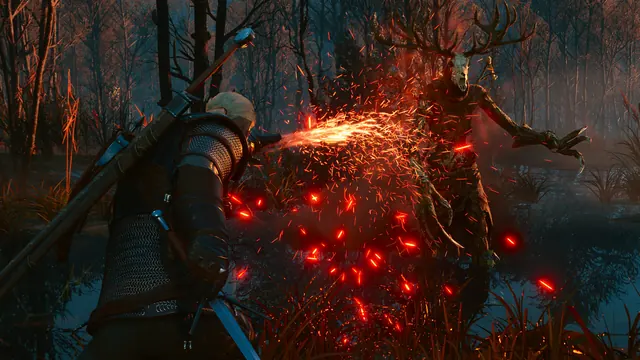
Default quick-cast inputs
| Sign | Keyboard | PlayStation: hold R2 + | Xbox: hold RT + |
|---|---|---|---|
| Aard | 3 | Cross | A |
| Yrden | 4 | Triangle | Y |
| Igni | 5 | L2 | LT |
| Quen | 6 | Circle | B |
| Axii | 7 | Square | X |
These are defaults, not a claim about a remapped controller or Switch 2 layout. On keyboard, Standard uses 3–7 to select and Q to cast; Quick removes that separate selection step. If reaching 6/7 while moving feels awkward, rebind the individual Sign actions in the controls menu. Mouse side buttons are a player preference, not a required fix.
Alternate mode or nothing happens?
An alternate Sign must be unlocked and equipped in your character abilities. Hold its Sign button/key rather than tapping it; on controller keep the R2/RT modifier held as well. Merely buying another skill or holding the modifier alone does not activate an alternate mode.
- Wrong Sign: compare your current bindings with the table; do not assume defaults after importing a setup.
- No cast: check stamina and whether the current action/state permits casting. Test on foot before diagnosing a mounted interaction.
- Controller triggers twice: investigate Steam Input and duplicate input separately.
You are finished when a single intended input casts the chosen Sign, and holding an equipped alternate Sign produces its alternate action. For skill selection rather than buttons, use the build guide.
Sources and limits
- Games Lantern: extracted v4.04 tutorials — Keyboard defaults and standard/quick distinction.
- Steam Community: quick-casting guide — 2023 controller mapping; custom layouts can differ.
- Reddit: first mouse-and-keyboard session — October 21 discussion and four visible comments; personal binding preferences, not universal defaults.
Checked October 21, 2026. Attributed instructions, not our own playtest. Older controls and quest routes are not a guarantee against every Remastered bug or mod conflict.